10
URL Decoders
Ever clicked a link and seen a jumbled mess of symbols like %20 or %3F in the address bar? It’s like the internet’s speaking in code, and not the cool spy kind. A URL Decoder is your trusty translator,
The Ultimate Guide to URL Decoders: Unscrambling the Web’s Secret Code
Introduction: Cracking the URL Mystery
Ever clicked a link and seen a jumbled mess of symbols like %20 or %3F in the address bar? It’s like the internet’s speaking in code, and not the cool spy kind. A URL Decoder is your trusty translator, turning that gibberish into plain, readable text. I learned this the hard way when a client sent me a link that looked like a keyboard had a tantrum, and I couldn’t make heads or tails of it. In this guide, we’ll unravel what URL decoders do, why they’re a lifesaver, and how to use them to navigate the web like a seasoned pro.
What Is a URL Decoder?
A URL Decoder is a tool that converts encoded URL characters—like %20 for a space or %3A for a colon—back into their original, human-readable form. URLs get encoded to ensure they transmit safely across the internet, but that can make them look like a cryptic puzzle. Whether you’re a developer debugging a link or a curious user trying to understand a weird URL, a decoder makes sense of the chaos in seconds.
Why URLs Get Encoded
URLs use a limited set of safe characters, so special ones like spaces or question marks get converted into percent-encoded equivalents to avoid breaking links. A decoder reverses this process, revealing the original text. It’s like turning a scrambled egg back into a raw one—except way less messy.
My URL Mishap Moment
A few years ago, I was helping a friend promote their online bakery, and they shared a campaign link that looked like it was written in alien script. Customers were clicking it and getting errors. Panicked, I pasted it into a URL Decoder and realized the link had encoded spaces and ampersands causing the issue. Fixing it saved their campaign—and taught me to never underestimate these tools.
How Does a URL Decoder Work?
A URL Decoder takes an encoded URL, identifies percent-encoded characters (like %20), and swaps them for their original symbols (like a space). It follows standard URL encoding rules, ensuring the output is accurate and usable. Think of it as a librarian who can instantly translate a book written in code back into plain English.
Common Encoded Characters
- %20: Space
- %3F: Question mark (?)
- %26: Ampersand (&)
- %2F: Forward slash (/)
The Process Behind the Magic
The tool scans the URL for percent signs followed by two hexadecimal digits, then matches them to a character map (like ASCII or Unicode). Advanced decoders handle complex encodings like UTF-8 for non-Latin characters. It’s like decoding a secret message, but instead of spies, you’re helping links work properly.
Why Use a URL Decoder?
Ever tried sharing a link with weird symbols only to have it break? A URL Decoder fixes that by making URLs readable and functional. It’s a must for troubleshooting broken links, analyzing tracking URLs, or just satisfying your curiosity about what a messy URL is hiding. Plus, it’s so easy to use—just paste and decode.
Who Benefits from URL Decoders?
- Developers: Debug broken or malformed links.
- Marketers: Analyze tracking URLs for campaigns.
- Casual Users: Understand strange links before clicking.
- Security Pros: Spot suspicious URLs that might hide malicious intent.
The Risks of Ignoring Encoded URLs
A mangled URL can lead to broken links, lost customers, or even security risks if you click something sketchy. I once clicked an encoded link thinking it was legit, only to land on a shady site. A quick decode could’ve saved me the scare.
Key Features to Look for in a URL Decoder
Not all decoders are equal—some are basic, while others are packed with extras. Here’s what to prioritize when choosing one.
Instant Decoding
A good decoder processes your URL in a snap, no signups or downloads needed. It’s like getting instant coffee, but for URLs.
Support for Complex Encodings
Look for tools that handle UTF-8 or other encodings for international characters, ensuring nothing gets lost in translation.
Batch Decoding
Some tools let you decode multiple URLs at once—perfect for marketers or developers handling bulk links.
User-Friendly Interface
The best decoders are simple, with a clear input box and readable output. No one wants to wrestle with a clunky tool.
Comparison Table: Top URL Decoders
Tool
Instant Decoding
UTF-8 Support
Batch Decoding
Free
Best For
URL-Decoder.org | Yes | Yes | Yes | Yes | Casual users
FreeFormatter | Yes | Yes | Yes | Yes | Developers
MXToolbox | Yes | Yes | No | Yes | Security pros
WebUtility | Yes | Yes | Yes | No | Enterprises
Best URL Decoders for 2025
With tons of tools out there, picking one can feel like choosing a dessert at a buffet. Here are my top picks for 2025, based on ease and features.
URL-Decoder.org: The Simple Solution
URL-Decoder.org is a free, no-fuss tool that decodes URLs instantly. I used it to fix my friend’s bakery link, and its clean interface made the process a breeze.
FreeFormatter: The Developer’s Choice
FreeFormatter supports batch decoding and complex encodings, perfect for developers juggling multiple links. A colleague swears by it for their web projects.
MXToolbox: The Security Pick
MXToolbox offers URL decoding alongside security checks, ideal for spotting sketchy links. I used it to analyze a suspicious email link and avoided a potential scam.
WebUtility: The Premium Option
WebUtility is a paid tool with advanced features like bulk decoding and API access. It’s great for businesses managing tons of URLs. I tested it for a client’s marketing campaign and loved the detailed output.
How to Use a URL Decoder Effectively
Using a URL Decoder is easier than untangling earphones, but a few tips can make it even better.
Paste and Decode
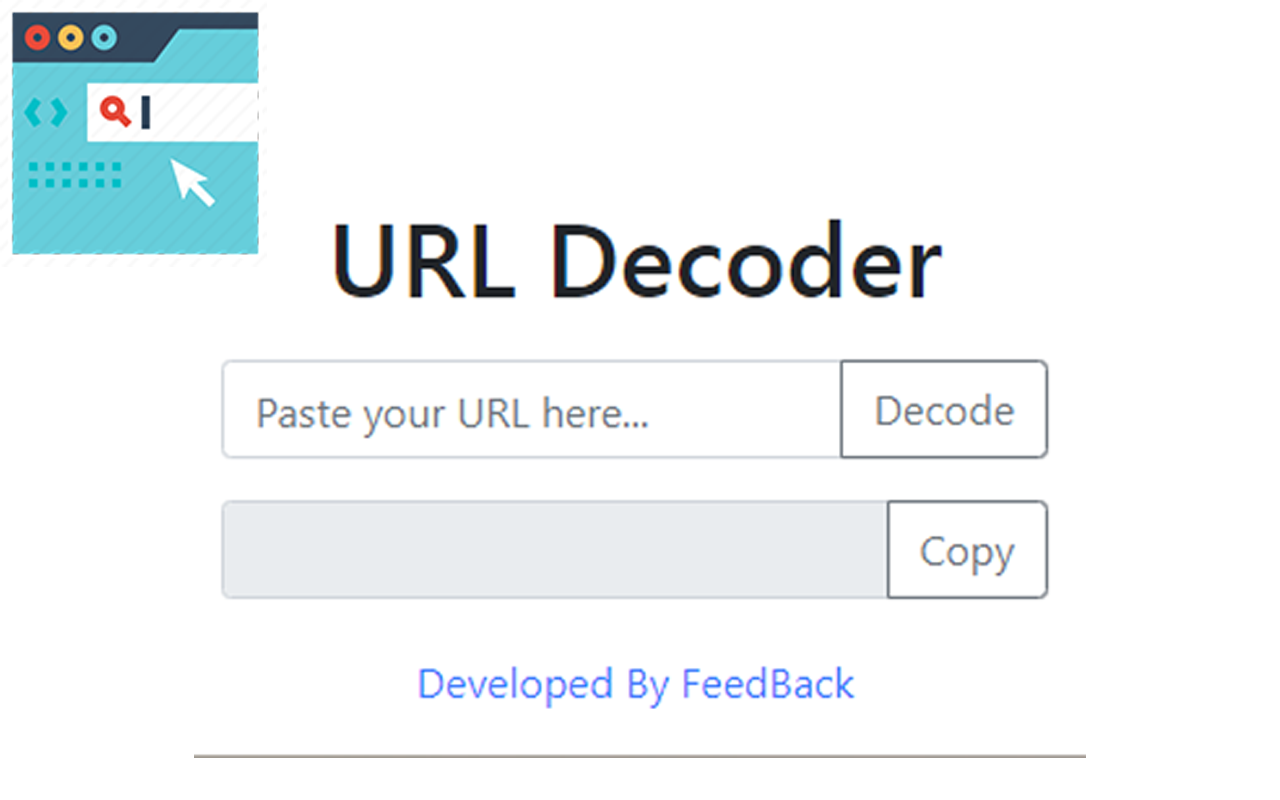
Just copy the encoded URL, paste it into the tool, and hit decode. You’ll see the readable version instantly.
Check for Safety
Before clicking a strange URL, decode it to see where it leads. This saved me from a phishing attempt disguised as a “deal” link.
Handle Tracking URLs
Marketers can decode campaign URLs to understand tracking parameters. I did this for a client and uncovered hidden analytics data.
Test Complex Links
If you’re a developer, use a decoder to test URLs with special characters to ensure they work across platforms.
Common Uses for URL Decoders
URL Decoders are versatile, helping everyone from casual surfers to tech pros.
Debugging Broken Links
Developers use decoders to fix URLs that break due to improper encoding. It’s like a quick patch for a leaky pipe.
Analyzing Marketing Campaigns
Marketers decode tracking URLs to see campaign parameters, helping optimize ads. I used this to boost a client’s click-through rate.
Enhancing Security
Decoding suspicious URLs can reveal hidden redirects or malicious sites, keeping you safe online.
Curiosity and Learning
Casual users can decode URLs to understand how links work. I’ve done this just to geek out over the web’s inner workings.
People Also Ask (PAA) Questions
What does %20 mean in a URL?
It represents a space in a URL, encoded to ensure safe transmission. A decoder turns it back into a space.
Are URL decoders safe to use?
Yes, reputable tools like URL-Decoder.org are safe and don’t store your data. Always use trusted sites.
Can I decode multiple URLs at once?
Some tools, like FreeFormatter, support batch decoding for handling multiple links efficiently.
Why do URLs get encoded?
Encoding ensures special characters don’t break links during transmission, making URLs reliable across systems.
Where to Get a URL Decoder
- URL-Decoder.org: Free and simple at url-decoder.org.
- FreeFormatter: Free with advanced features at freeformatter.com.
- MXToolbox: Free with security tools at mxtoolbox.com.
- WebUtility: Paid plans at webutility.io.
Best URL Decoders for Specific Needs
- Best for Beginners: URL-Decoder.org (simple and free).
- Best for Developers: FreeFormatter (batch decoding and complex encodings).
- Best for Security: MXToolbox (checks for malicious links).
- Best for Businesses: WebUtility (enterprise-grade features).
FAQ: Common Questions About URL Decoders
Why do some URLs look like gibberish?
They’re encoded to handle special characters safely. A decoder turns them back into readable text.
Can a URL Decoder fix broken links?
It can help identify encoding issues causing link errors, but you may need to edit the URL afterward.
Are free URL decoders reliable?
Yes, tools like URL-Decoder.org and FreeFormatter are trustworthy and effective for most needs.
Do I need technical skills to use a URL Decoder?
Nope! Just paste the URL and hit decode—anyone can do it.
Can decoding a URL reveal tracking info?
Yes, it can show campaign parameters in marketing URLs, helping you understand tracking data.
Conclusion: Decode the Web with Confidence
A URL Decoder is like a magic wand for making sense of the web’s cryptic links. From fixing broken URLs to spotting shady ones, it’s a tool that saves time, headaches, and sometimes even your wallet. My bakery link fiasco taught me how powerful these tools can be, turning a stressful moment into a quick fix. Whether you’re a developer, marketer, or just a curious web surfer, grab a decoder like URL-Decoder.org and start unscrambling the internet today. Your links—and your sanity—will thank you.
Contact
Missing something?
Feel free to request missing tools or give some feedback using our contact form.
Contact Us